Export DeepSeek Chats to PDF, Markdown & More
A browser extension that saves DeepSeek AI conversations in seconds. Multiple formats, fully customizable PDF exports.
Add to Chrome · It's Free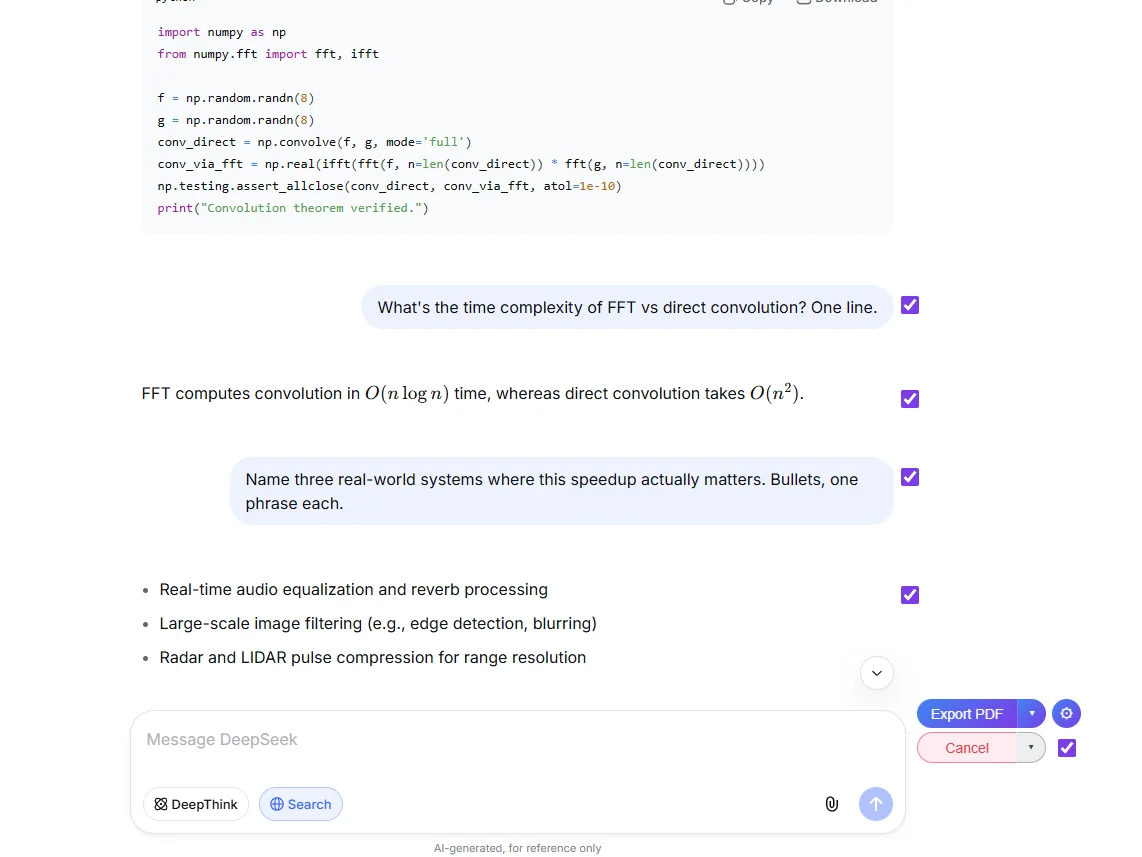
Everything you need to save DeepSeek conversations
Multiple Export Formats
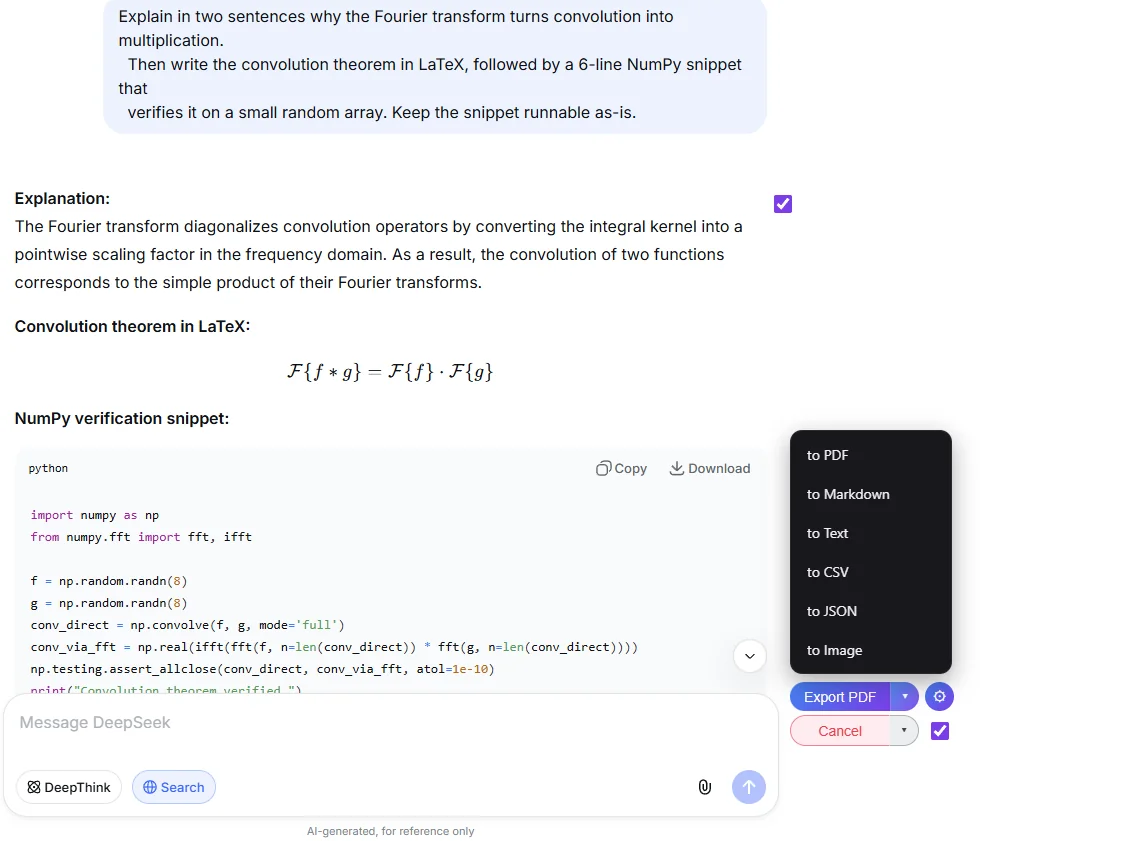
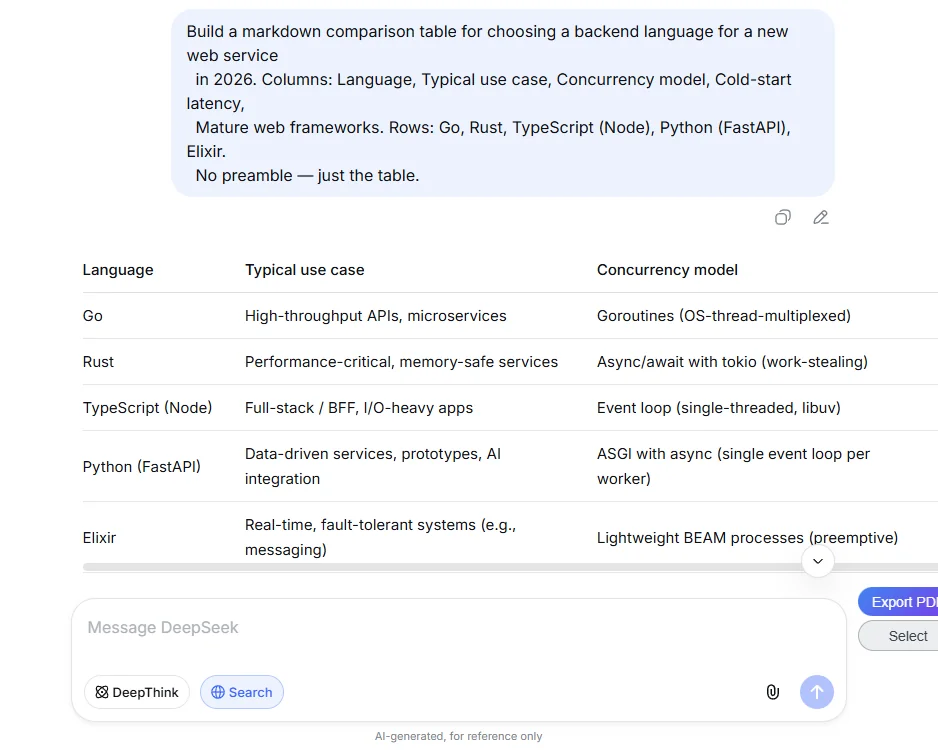
Export to PDF, DOCX, Markdown, Text, CSV, JSON or Image. Choose the format that works best for your workflow.
Export What You Need
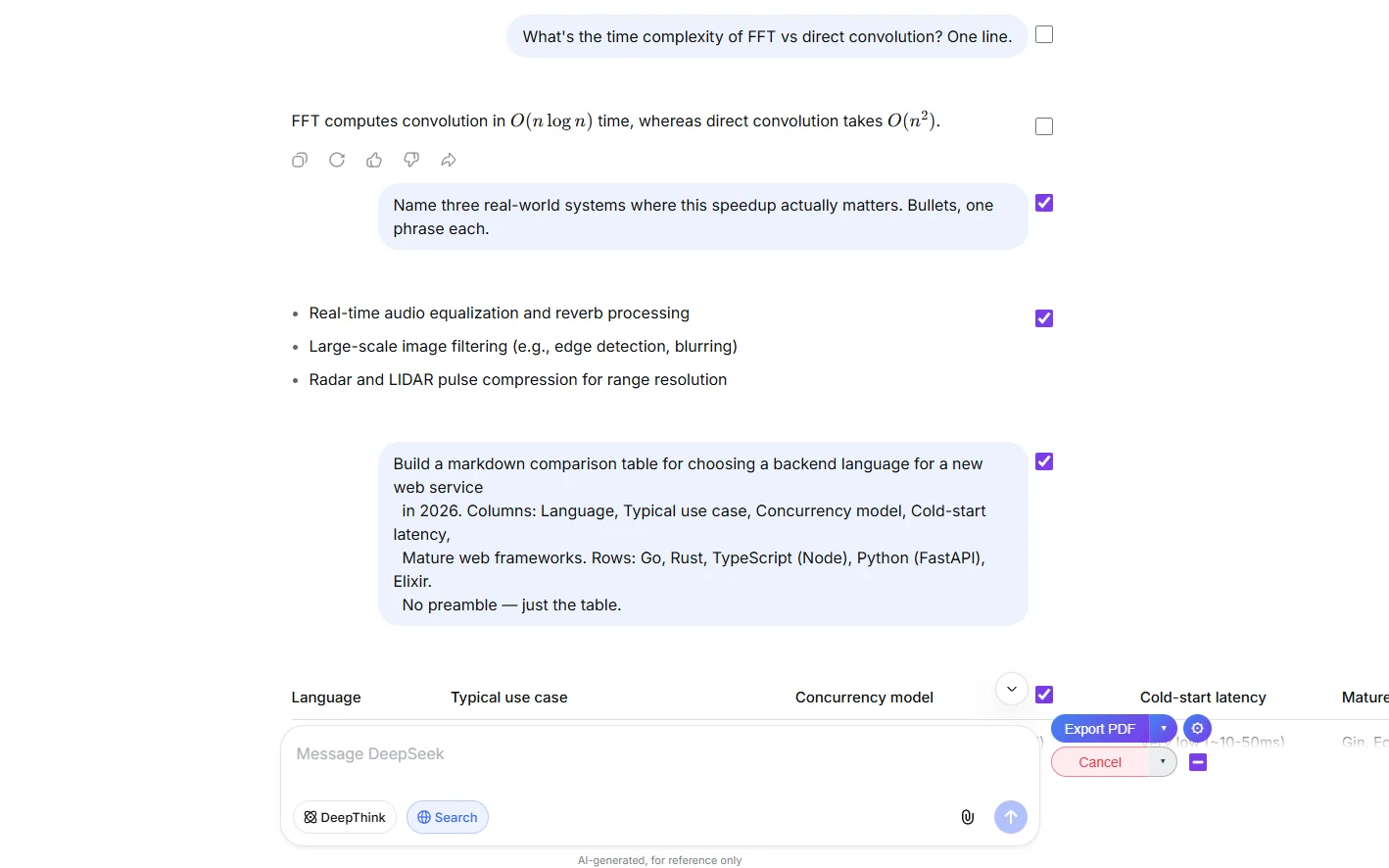
Select individual messages with checkboxes. Export entire conversations or just the parts you need.
Fully Customizable
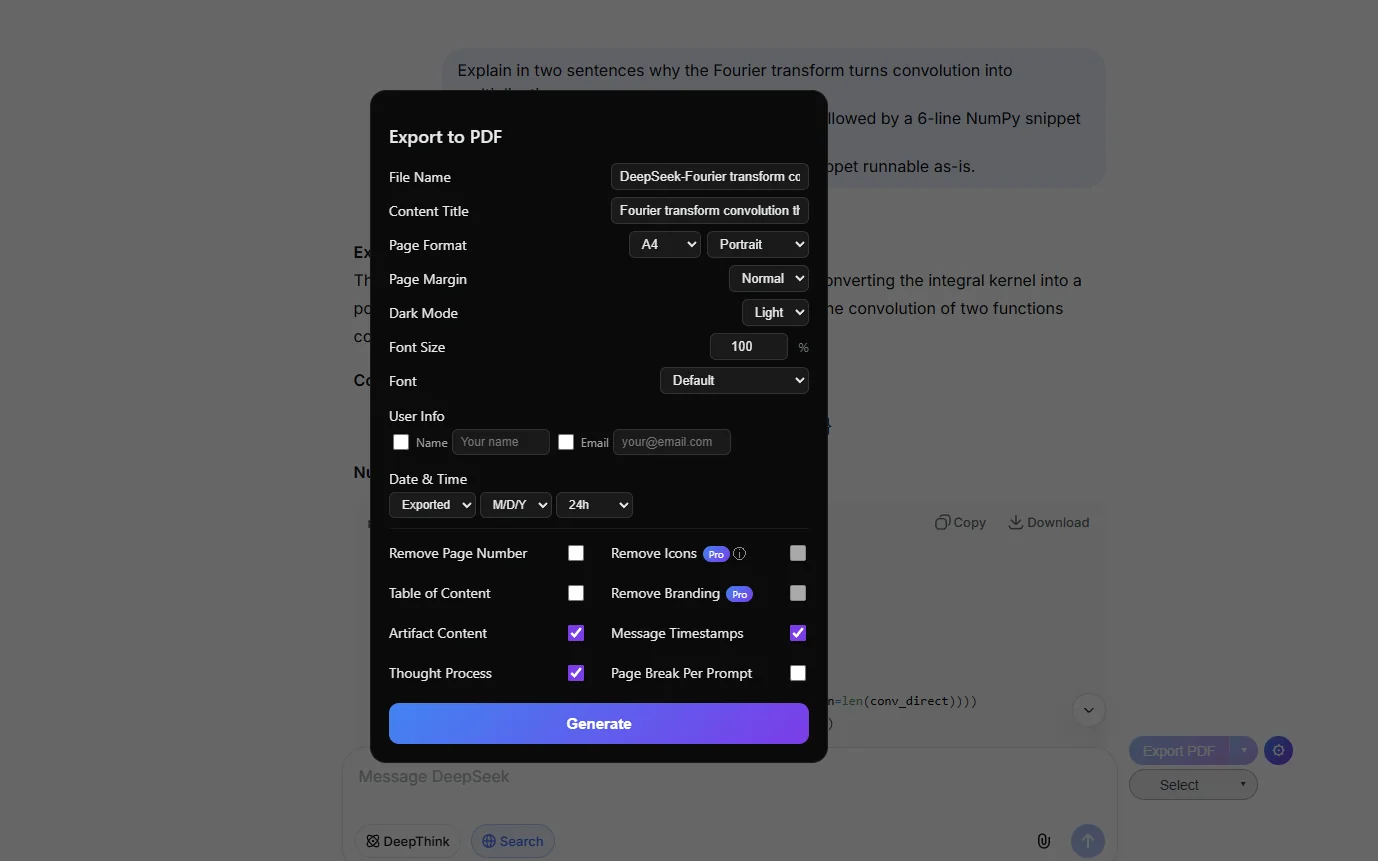
Custom filenames, page formats, dark or light mode, table of contents, timestamps, user info and more.
Preserves Everything
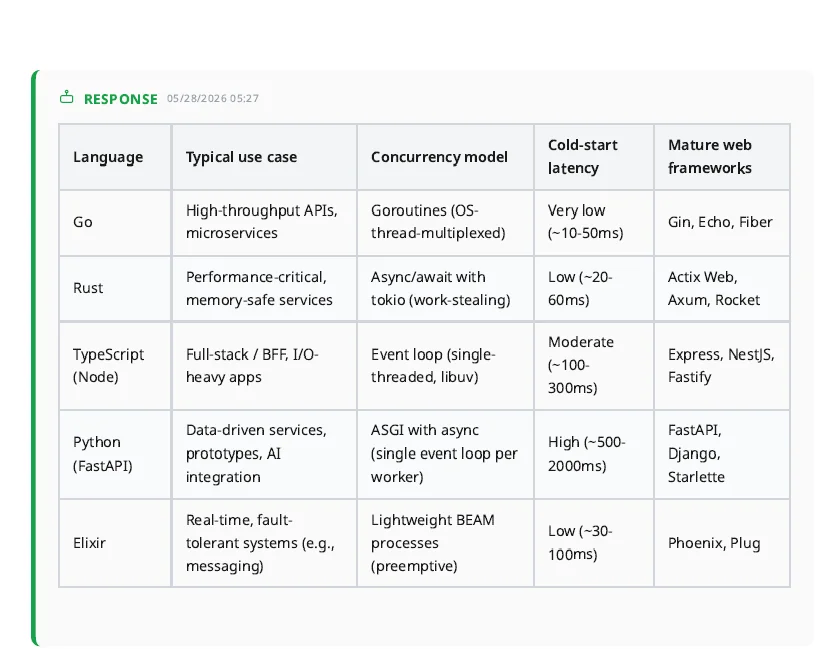
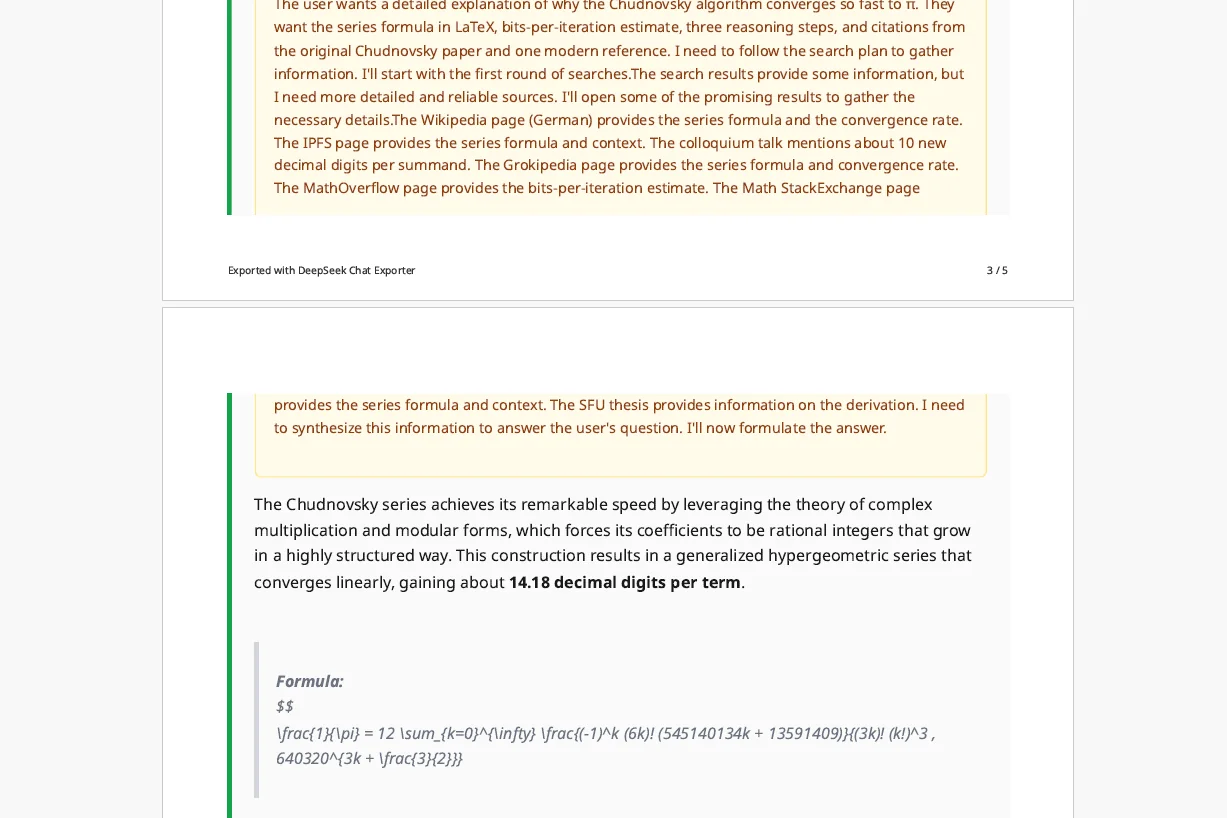
Code blocks with syntax highlighting, mathematical formulas, tables, images and structured content. All preserved.
Reasoning travels with the answer
When DeepSeek shows its DeepThink (R1) reasoning or cites web search sources, the export carries them through. Sources land as a list, the reasoning block lands as its own section, and tables keep their formatting. Nothing collapses to bare text.
Frequently Asked Questions
What is DeepSeek Chat Exporter?+
DeepSeek Chat Exporter is a Chrome extension that lets you save your DeepSeek AI conversations as PDF, DOCX, Markdown, Text, CSV, JSON or Image files.
How do I export DeepSeek chats?+
Install the DeepSeek to PDF Chrome extension, open chat.deepseek.com, click Select to choose messages, then click Export and pick your format. It takes about 30 seconds.
Is it free?+
Yes! Markdown, Text, CSV, JSON and Image exports are completely free with no limits. PDF/DOCX exports are free up to 3 per day. Paid plans unlock more PDF/DOCX exports and premium features.
What browsers are supported?+
Chrome, Edge, Brave and other Chromium-based browsers. Install from the Chrome Web Store.
Can I export specific messages?+
Yes! Click Select to show checkboxes next to each message. Pick individual messages or use the select all toggle.
How do you handle my data?+
Markdown, Text, CSV, JSON and Image exports are processed entirely in your browser. Data never leaves your device. PDF/DOCX exports are processed on our servers temporarily and deleted immediately after generation.
Ready to get started?
Install DeepSeek Chat Exporter to save your conversations as PDF online.
Add to Chrome · It's Free